Dynamic Island for Windows
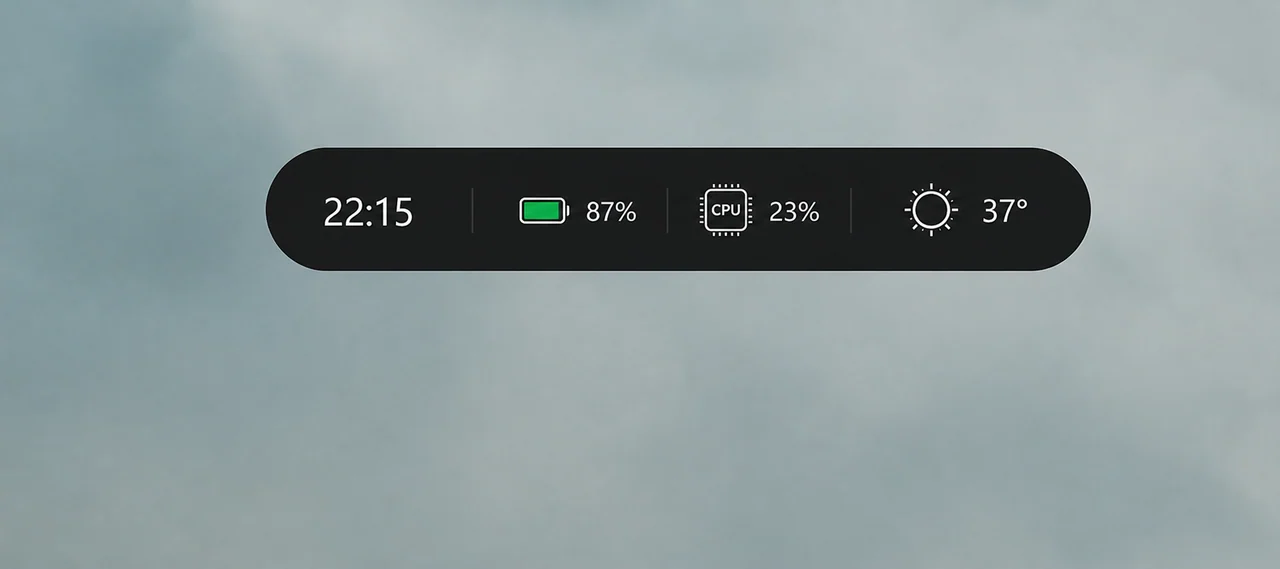
A floating island at the top of your screen that shows what is playing, incoming notifications, weather, battery and…
Desktop Widgets
A clean widget board for weather, clocks and live hardware stats
Place resizable widgets straight on your desktop: weather, world clocks, calendar, and real-time CPU, GPU, RAM, disk and network monitors. Snap them to a grid, choose a theme and forget about them.
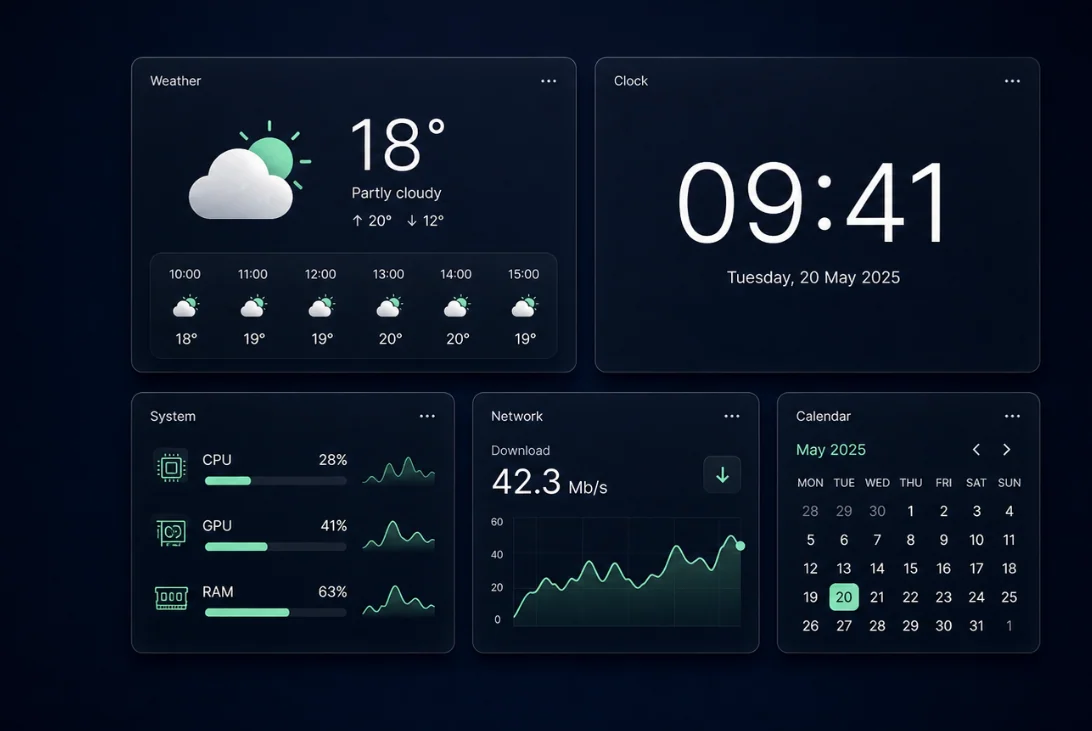
CPU per-core load, temperatures, GPU utilisation, VRAM, RAM, disk and network throughput.
Current conditions, hourly strip and a 7-day forecast in Celsius or Fahrenheit.
Local and world clocks, analogue or digital, plus a month calendar and sticky notes.
Drag, resize and align widgets on a grid, then lock the board so nothing moves.
Two themes, adjustable opacity and a custom accent colour across every widget.
Independent layouts per display with correct scaling on mixed-DPI setups.
Windows has widgets, but they live behind a panel you have to open. This app puts them where you
actually look: on the desktop itself. Drag a widget anywhere, resize it, snap it to an invisible
grid, and it stays exactly there across reboots and monitor changes.
Weather. Current conditions, feels-like temperature, hourly strip and a seven-day forecast with
your choice of Celsius or Fahrenheit.
Clocks. A large local clock plus as many world clocks as you need, with an optional analogue
face and a date sub-line.
Hardware. Live CPU load per core, CPU and GPU temperature, GPU utilisation and VRAM, RAM usage,
disk activity per drive and network throughput in Mbit/s, all rendered as clean sparkline graphs.
Calendar and notes. A month view with the current week highlighted, plus sticky notes that
survive restarts.
Every widget uses the same design language: consistent radius, spacing and typography, a light and
a dark theme, adjustable opacity and an accent colour picker. There are no skins to hunt down and
no configuration files to hand-edit.
Sensors are polled on a shared timer instead of one thread per widget, and drawing is throttled when
a widget is covered by another window. On a typical laptop the whole board costs a couple of percent
of one CPU core.
Windows 10 (1903+) or Windows 11, 64-bit. Multi-monitor and per-monitor DPI supported.
Version 2.1.0 · 882 KB · widgets-for-windows.zip
Freeware, portable — no installer required.
Rainmeter is a scripting platform that needs skins. This is a finished app: widgets are built in, share one design language and are configured through a normal settings window.
No. Temperatures are read through standard Windows interfaces and vendor tools when available. If a sensor is not exposed by your hardware, that tile is simply hidden.
Yes. Each display keeps its own layout and the app is per-monitor DPI aware, so widgets stay crisp on a 4K panel next to a 1080p one.
Optionally. There is a single checkbox in settings; it uses the standard Startup entry and no scheduled tasks.
Yes, the full widget set is free. There is no locked premium tier.
A floating island at the top of your screen that shows what is playing, incoming notifications, weather, battery and…
Turn any MP4, WebM, GIF or HTML scene into your desktop background, with a different wallpaper per monitor, playlists,…
Say what you want and it happens: open File Explorer, search the web for something, find a file, launch an app, change…