Widgets for Windows
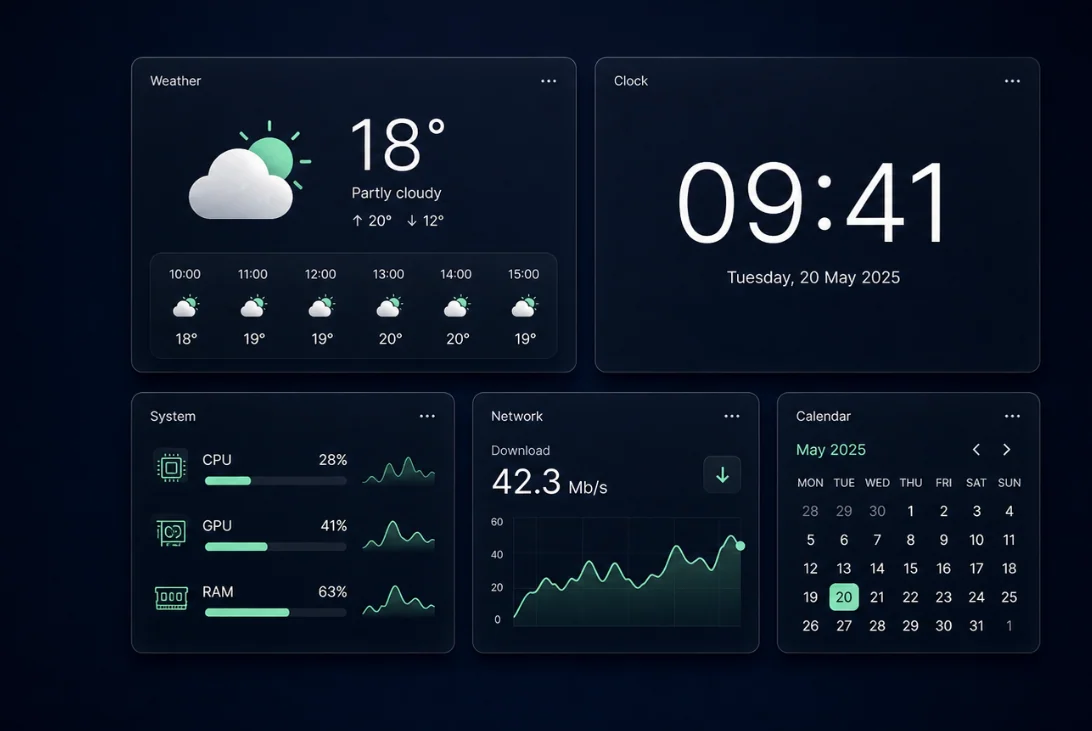
Place resizable widgets straight on your desktop: weather, world clocks, calendar, and real-time CPU, GPU, RAM, disk…
Desktop Enhancement
The iPhone notch experience, rebuilt for your Windows desktop
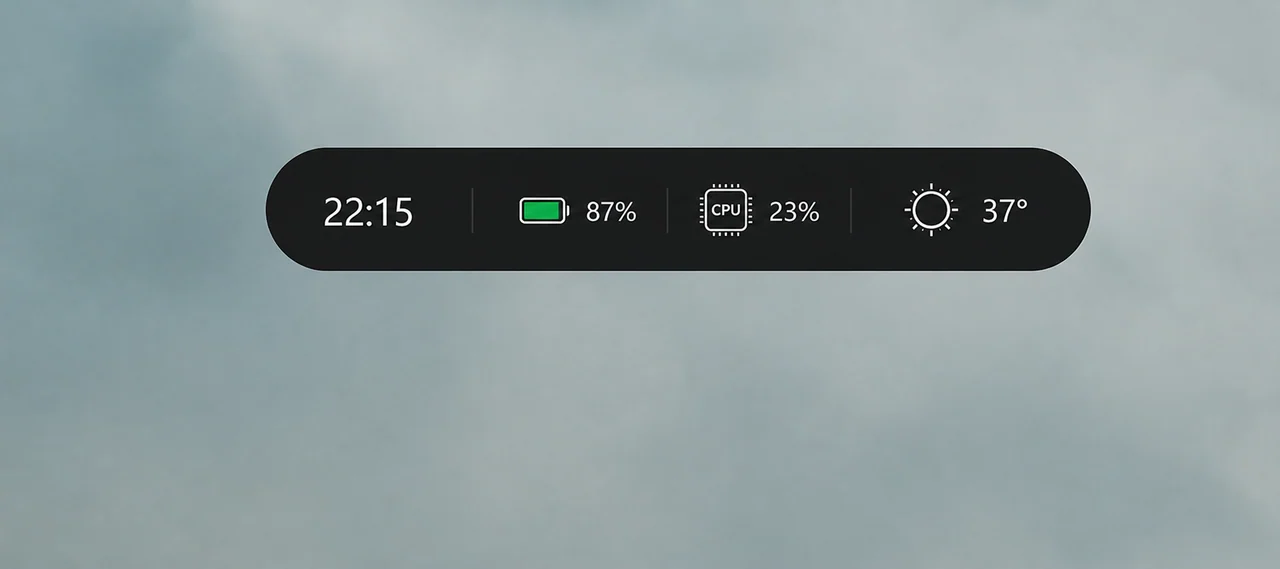
A floating island at the top of your screen that shows what is playing, incoming notifications, weather, battery and live CPU/RAM load — then expands into full media, volume and brightness controls with a single click.
Works with Spotify, YouTube in any browser, Telegram, VLC, AIMP and anything else that reports to Windows.
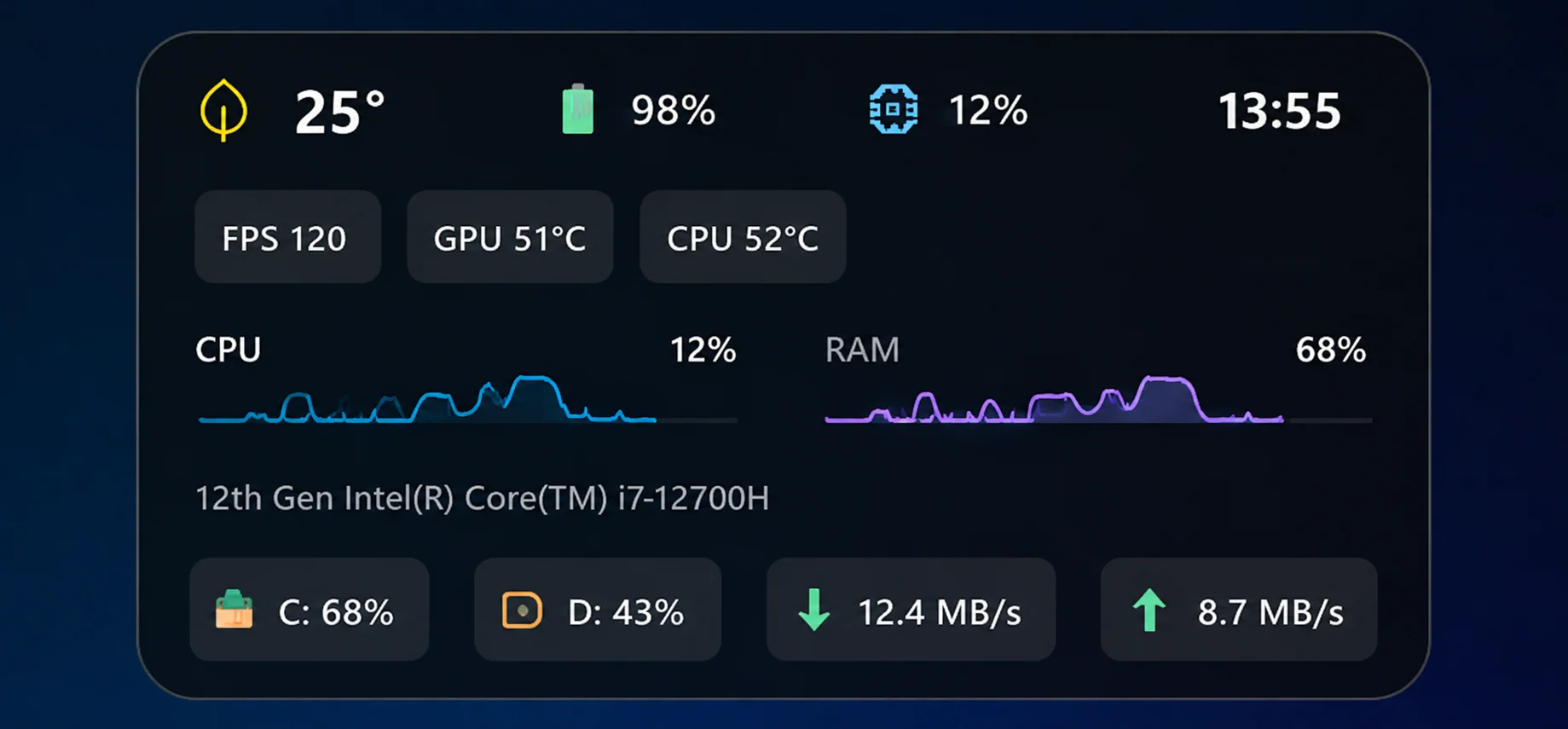
CPU and RAM load, CPU and GPU temperature, FPS and your hardware names in one glance.
Intercepts system notifications so missed messages stay one click away.
Master volume plus a laptop brightness slider, no Settings app required.
Current conditions with an icon, battery percentage and live internet speed.
A single native process, roughly 60 MB of RAM and no background services.
Dynamic Island for Windows puts a compact black pill at the top of your display, exactly where a
notch would be. Most of the time it stays out of the way and simply shows the time and date. The
moment something happens — a track starts playing, a message arrives, your battery drops — the
island expands, shows you what you need, and shrinks back.
It was built for people who like a tidy desktop but hate digging through three menus to skip a song
or change the volume.
Compact. Time, date and small circular app bubbles for whatever is currently playing audio.
Media. Click a bubble to expand into a player with track title, artist, previous / play / next
and a volume slider that controls the Windows master output.
System. Click the centre of the island for a panel with the weather, battery level, live
internet speed, a session timer, FPS, CPU and GPU temperatures, CPU and RAM load, your hardware
names and a brightness slider for laptop displays.
Notifications. A dedicated bell button collects real Windows notifications so you can read what
you missed without opening the Action Center.
The whole app is a single lightweight process. There is no Electron runtime, no browser engine and
no background updater. It draws a rounded, click-through-friendly overlay that sits above other
windows without stealing focus, so games and full-screen video are unaffected.
Uninstalling is just deleting the folder.
Windows 10 (1903+) or Windows 11, 64-bit. ~60 MB RAM, no GPU required.
Version 1.4.0 · 866 KB · dynamic island.zip
Freeware, portable — no installer required.
Yes. The full version is free to download and use, with no ads, no trial period and no account.
Yes, on Windows 10 version 1903 and newer, and on all builds of Windows 11. A 64-bit system is required.
The island floats above other windows but only occupies a small pill at the very top centre of the screen. It does not resize your windows and it collapses to its smallest size when idle.
No. It does not hook into your GPU or inject anything into games. It typically uses under 1% CPU and hides itself behind full-screen applications.
Windows requires explicit permission before an app can read system notifications. Grant it if you want the notification feed; the rest of the app works fine without it.
Close it from the tray or Task Manager and delete the folder you extracted. Nothing is written to the registry.
Place resizable widgets straight on your desktop: weather, world clocks, calendar, and real-time CPU, GPU, RAM, disk…
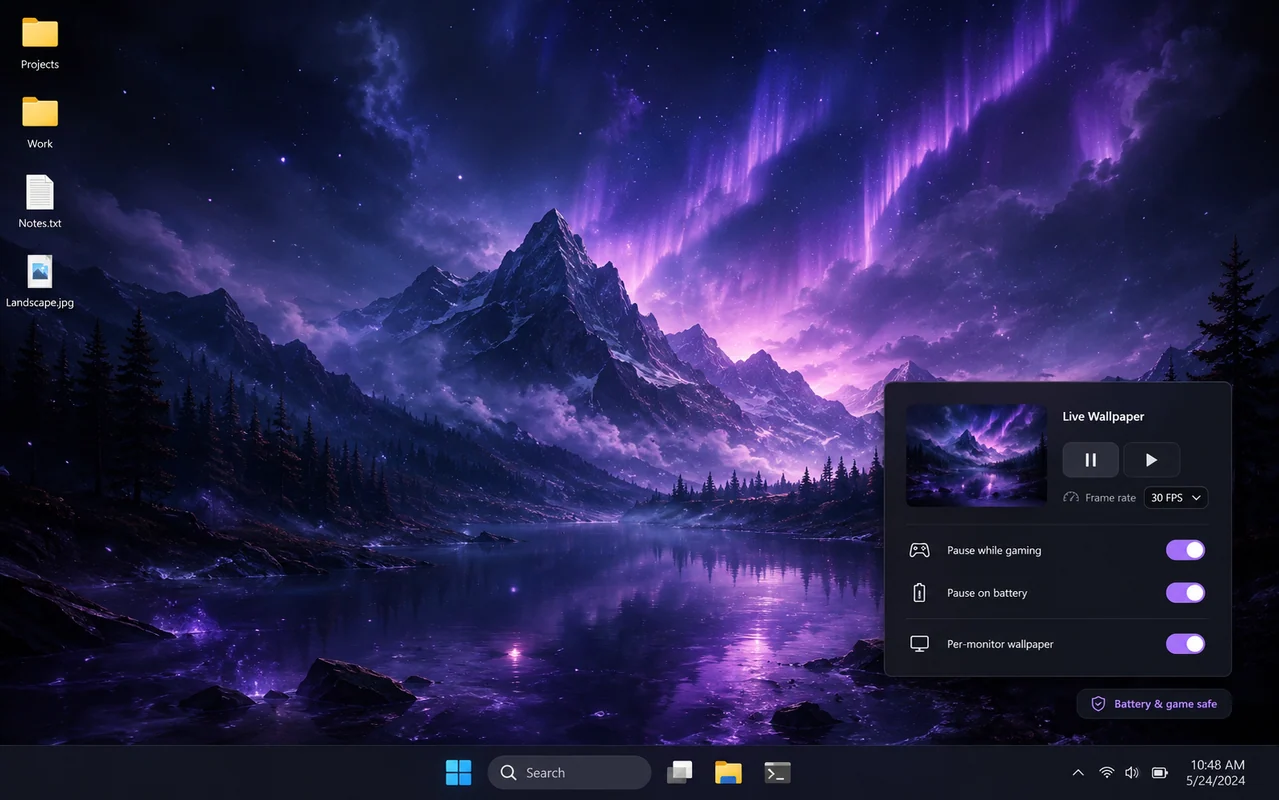
Turn any MP4, WebM, GIF or HTML scene into your desktop background, with a different wallpaper per monitor, playlists,…
Say what you want and it happens: open File Explorer, search the web for something, find a file, launch an app, change…